StabilityMatrix is an integrated environment capable of managing tools for image generation using Stable Diffusion such as WebUI and ComfyUI, or tools for learning such as kohya collectively. Saved checkpoints can be shared across all tools, there is UI to browse checkpoints of CivitAI and HuggingFace, seems quite convenient.
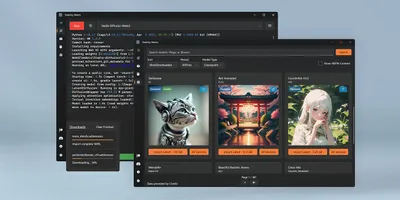
Multi-Platform Package Manager for Stable Diffusion - LykosAI/StabilityMatrix

Since I actually tried it, I will write procedure of work, impressions tried etc. ramblingly.
Preparation of Environment
Installation Method of StabilityMatrix
Binary for execution should be available from button ↓ in README of Repository.

It takes form of executing it and installing (Install at your own risk!! This is important). If you choose install in StandAlone version, data seems to be placed in same hierarchy as execution binary, so local might not get polluted.
Addition Method of ComfyUI
Taking ComfyUI as example, introducing method to install tool to StabilityMatrix.
When installing ComfyUI with StabilityMatrix, first move to Packages tab.
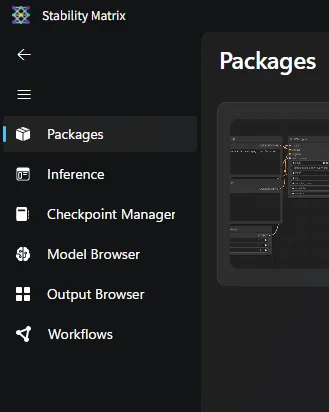
Click + Add Package button at bottom of UI.
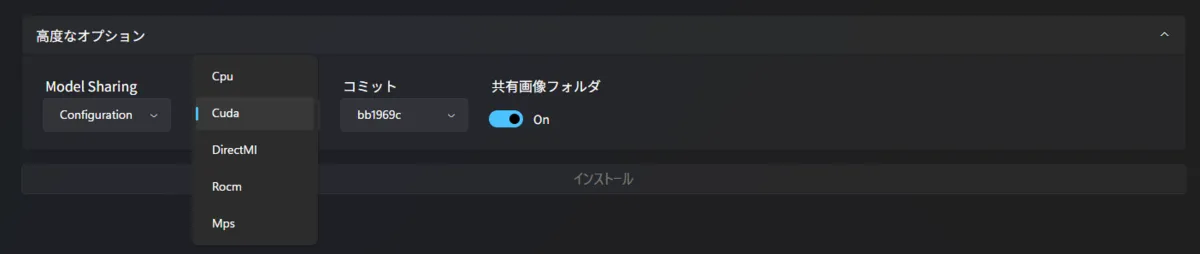
Choose branch you want to install or display name and install. It seems possible to install multiple versions systematically by changing display name.

At installation, since it seems possible to specify version of Pytorch in advanced option, I think adjustment is necessary according to GPU you use.
Setting of ComfyUI
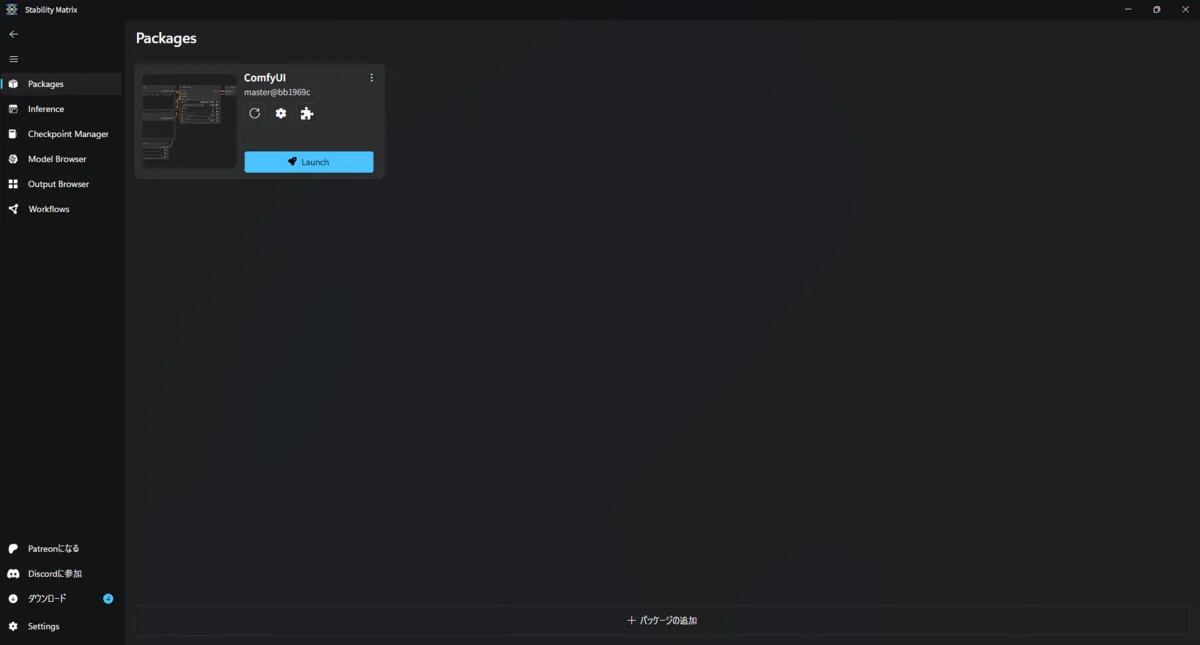
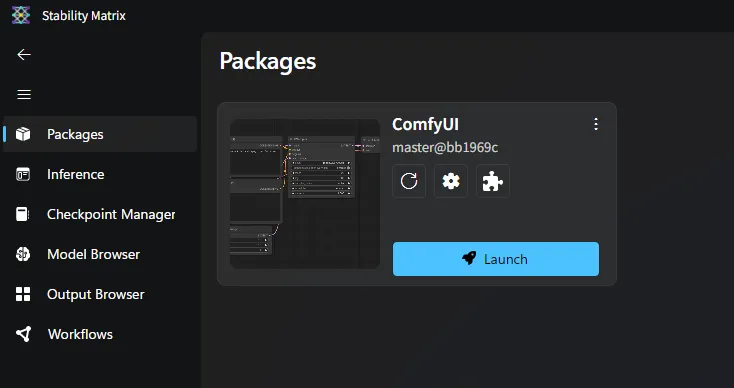
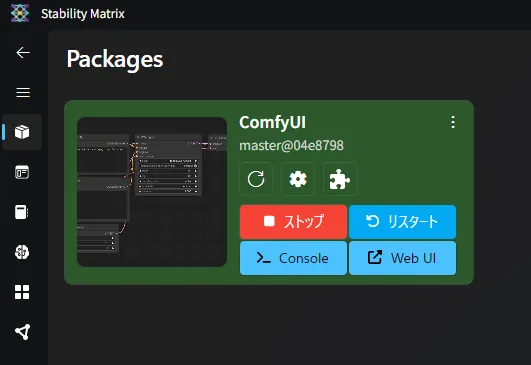
When installation is completed, it should be displayed in Packages tab like image below. Setting change can be done from gear mark in middle. Since it takes time explaining all settings, I extract and introduce only settings seeming important.
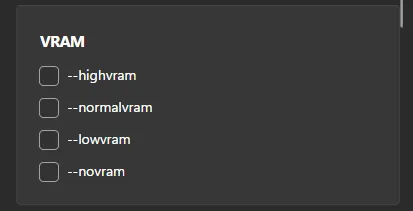
VRAM
Setting performed according to memory amount of GPU. I think people with CPU will set --novram.
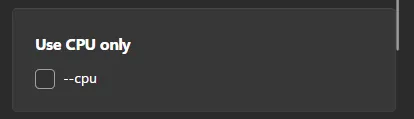
Use CPU only
Those with CPU only, those with GPU but want to infer with CPU set this.
Extension Installation of ComfyUI
Installation of extension can be done from puzzle piece button.
Case of moving models
Introducing method to move models used in other tools until now to StabilityMatrix.
When clicking … at top right in Checkpoint Manager screen, there is model folder button so click it. Then explorer should open, so put checkpoints you have into corresponding directories respectively.
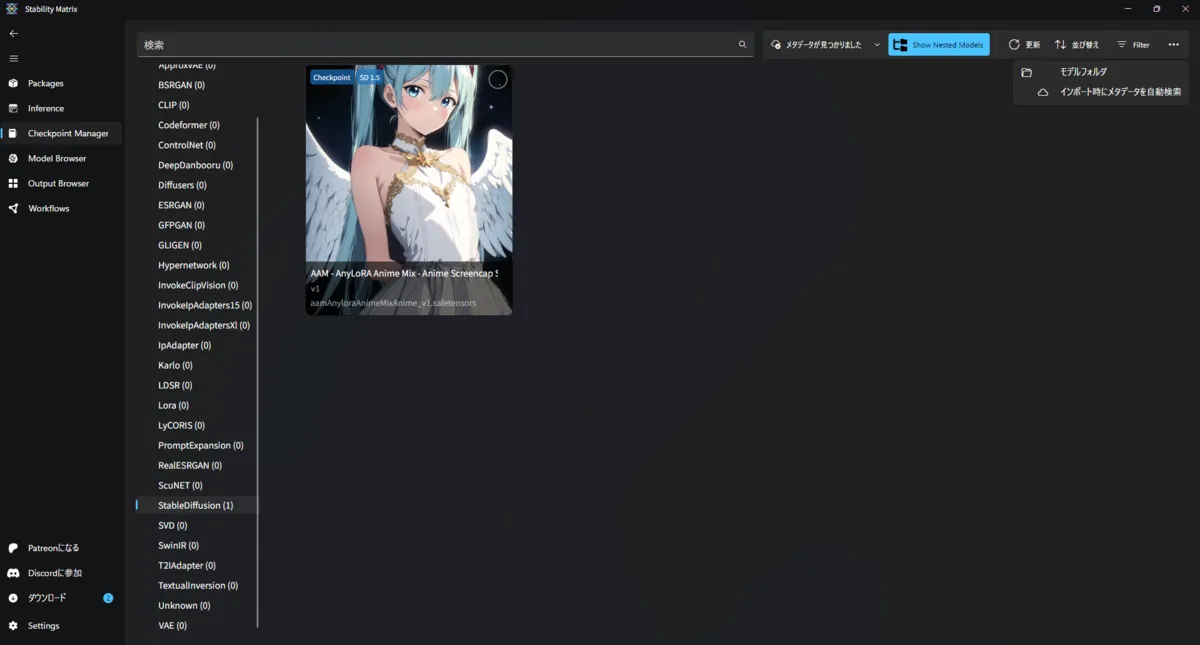
When movement of model ends, if you click Metadata Found button at top, import process should start.
Try actually generating image
Case of wanting to generate image simply
Go to Inference tab, select various things and press Generate Image. Settings of LoRA and VAE can be set from gear button next to Model.
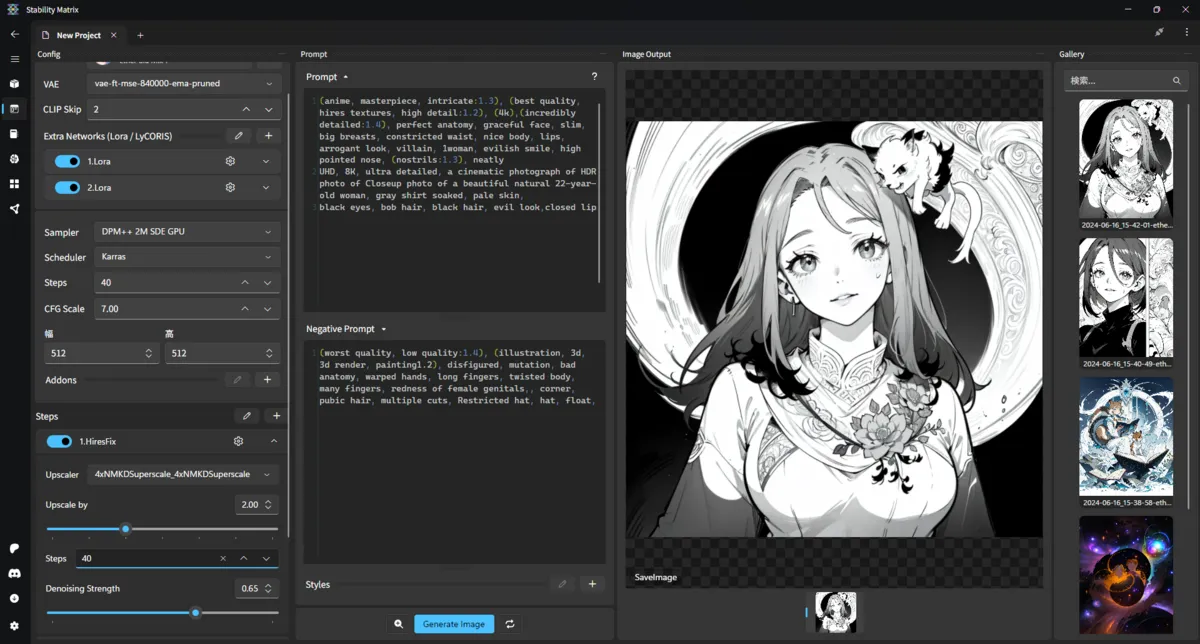
Case of wanting complex generation with ComfyUI
Execute ComfyUI in Package tab, if you press Web UI button after execution, ComfyUI as usual opens in browser.
Conclusion
Using lightly, merits and demerits for me were ↓.
- Merit
- Can manage multiple tools collectively.
- Can share and manage models with multiple tools.
- visually displays models downloaded with CheckPoint Manager
- Can browse and download models of CivitAI and HuggingFace from Model Browser
- If simple image generation, can go easily with UI of StabilityMatrix
- Demerit
- Labor to move models etc.
- No merit in collective management of tools if using only one tool
Since I felt useful in aspect of download and management of models, I think I will use Stability Matrix in future.