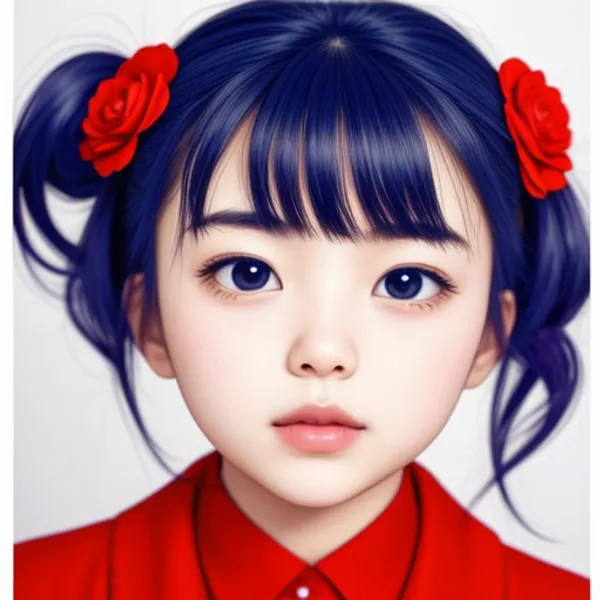
Face Detailer is a technique used in AI image generation that can repair only the face area, which tends to collapse or distort during generation. It works by automatically masking the face region and running inpainting on that area alone, leaving the rest of the image untouched. The result is a much more natural-looking face without requiring manual editing.
In this article I introduce how to try Face Detailer easily with ComfyUI. The process is straightforward: install the Impact Pack extension, import the workflow, and your generations will automatically go through a face repair step after the initial generation.
Work Procedure
1. Introduction of ComfyUI
Set up ComfyUI. If you already have it installed, please update to the latest version as well, since the Impact Pack depends on recent features.

>-
2. Installation of Extension
Install the following extension. ComfyUI-Impact-Pack provides the FaceDetailer node along with many other useful utility nodes.

Custom nodes pack for ComfyUI This custom node helps to conveniently enhance images through Detector, Detailer, Upscaler, Pipe, and more. - ltdrdata/ComfyUI-Impact-Pack
3. Import Workflow
Import and use the following workflow. It extends the default generation workflow by adding a FaceDetailer node to the post-generation step. The FaceDetailer automatically detects face regions in the generated image, masks them, and rerenders just those regions with a higher-detail pass.

4. Generate
Adjust your prompt and model settings, then generate as usual. The Face Detailer step runs automatically after the main generation.
Generation Result
For a clear comparison, I used an SD1.5 model that is known to produce face collapse.


The face area is visibly repaired while the rest of the image remains unchanged.
Conclusion
Face Detailer in ComfyUI makes it easy to automatically repair collapsed faces without any manual editing. When faces tend to distort in your generations, adding this to your workflow often resolves the issue cleanly. I personally use it most often when working with SD1.5 models, and also when generating video with AnimateDiff where face stability tends to be a bigger concern across frames.