When I wanted to generate images from images (image-to-image) with Stable Diffusion, I wasn’t sure which method to use, so I decided to actually generate and compare them.
The three main image-to-image methods are as follows. I will focus on these in this article.
- Method 1: Input the image as a Latent Image
- Method 2: Use ControlNet
- Method 3: Input the image as a prompt using IPAdapter
Method 1: Input the Image as a Latent Image
Overview
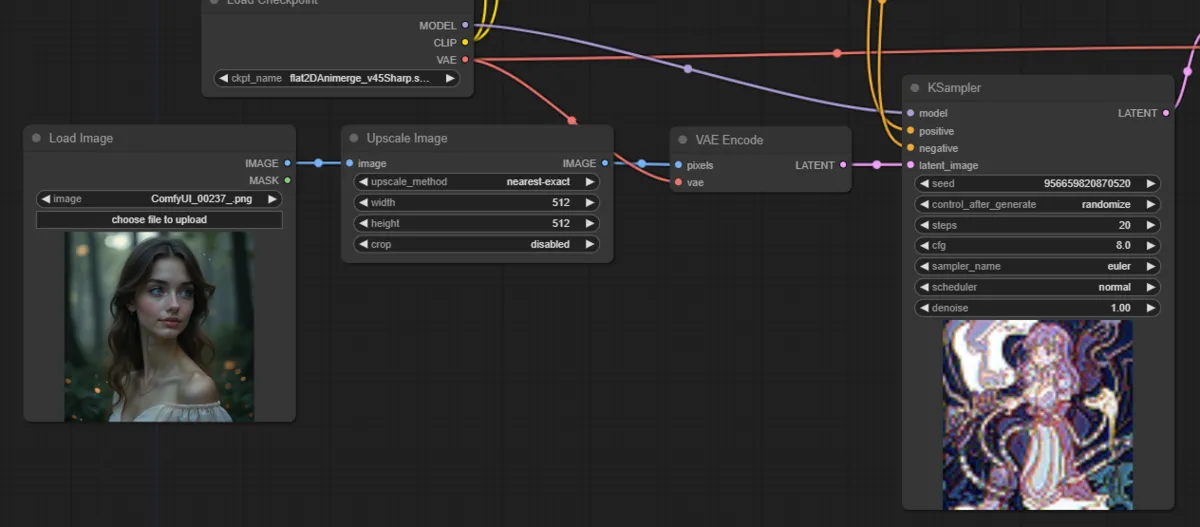
The image is encoded with VAE to obtain a latent variable (Latent Image), which is then used as input to Stable Diffusion for image generation. At this point, set the Denoise strength slightly lower than 1.
The color tone and rough position of colors are preserved, but depending on the prompt and parameters, the result can end up quite different from the original image — that is the main drawback.
In ComfyUI, you can generate images by connecting the nodes as shown below:
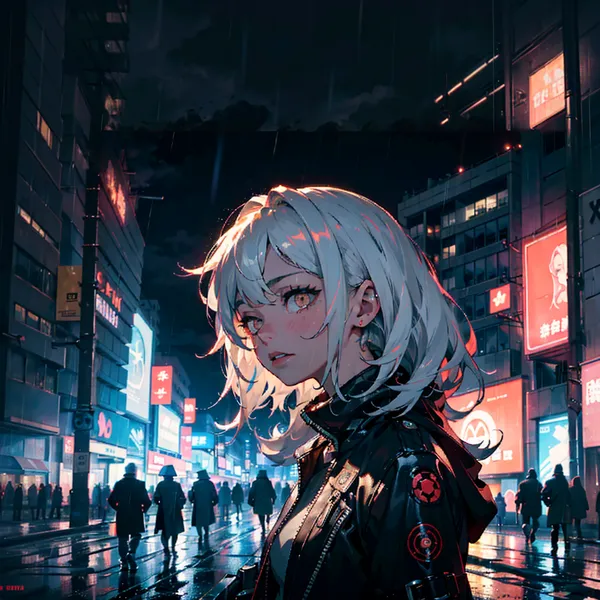
Generation Result
- prompt: (blank)
- model: flat2DAnimerge
- denoise: 0.65
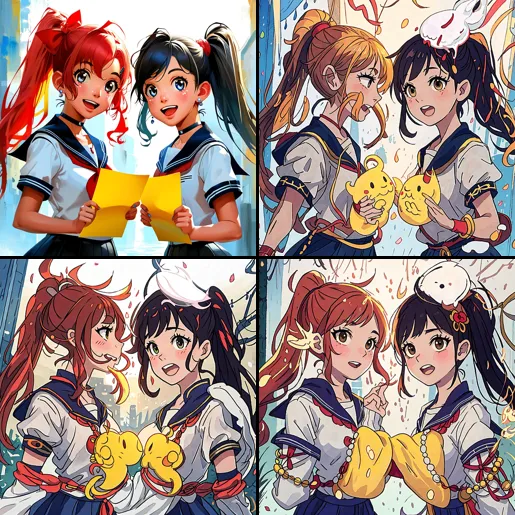
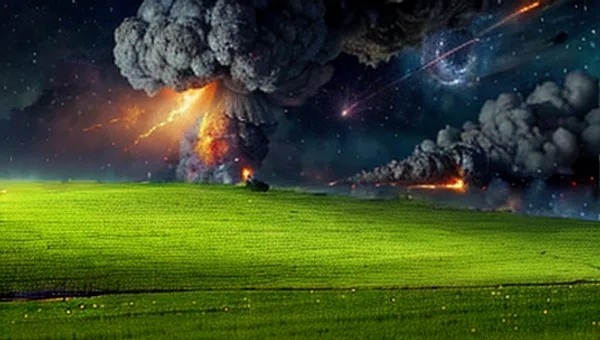
The original image is in the top-left.
Method 2: Use ControlNet
Overview
ControlNet is a method for specifying the composition of the generated image. ControlNet uses data such as line drawings and OpenPose to define the image composition. The flow works as follows: the input image is converted into line drawings or OpenPose data, which is then passed to ControlNet for image-to-image generation.
Using this method, the composition closely follows the original image, but the color tone is not preserved — you specify the colors via the text prompt instead.

In ComfyUI, the workflow looks like this:

For instructions on how to set up ControlNet, please refer to the following article:

>-
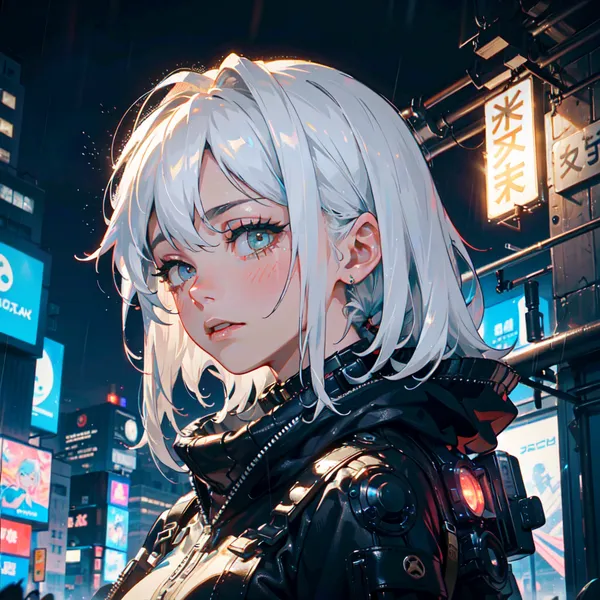
Generation Results
- prompt: (blank)
- model: flat2DAnimerge
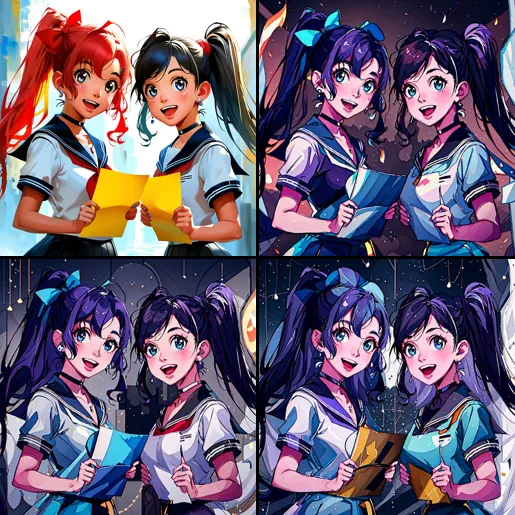
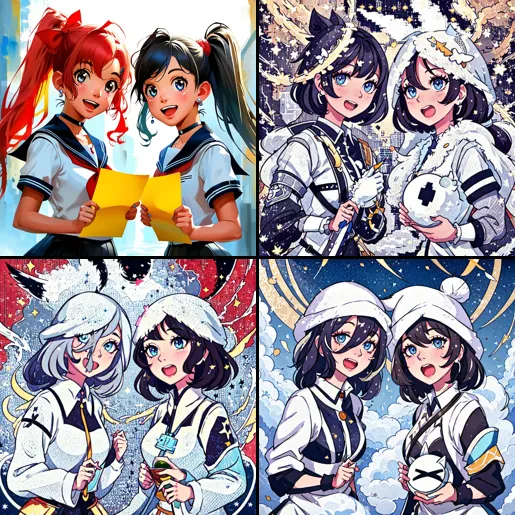
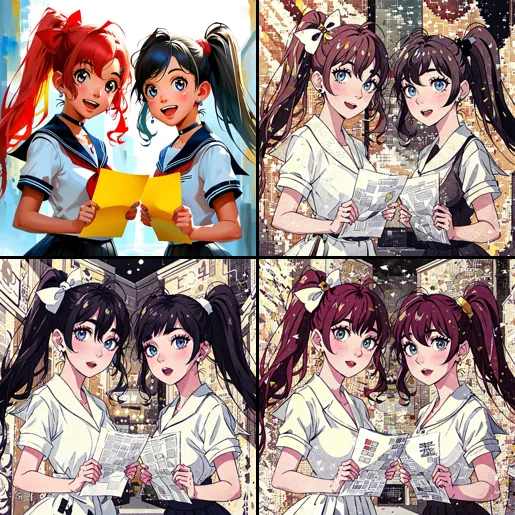
The original image is in the top-left.
Method 3: Use IPAdapter to Input the Image as a Prompt
Overview
IPAdapter is a method that uses an image as a prompt. The image is interpreted by an AI model (ViT), and that interpretation is passed to the Stable Diffusion model, allowing generation of images similar to the original. Since it operates via a mechanism separate from the Text Encoder, it can be used in combination with text prompts as well.
For instructions on how to use IPAdapter in ComfyUI, see the following article:
>-
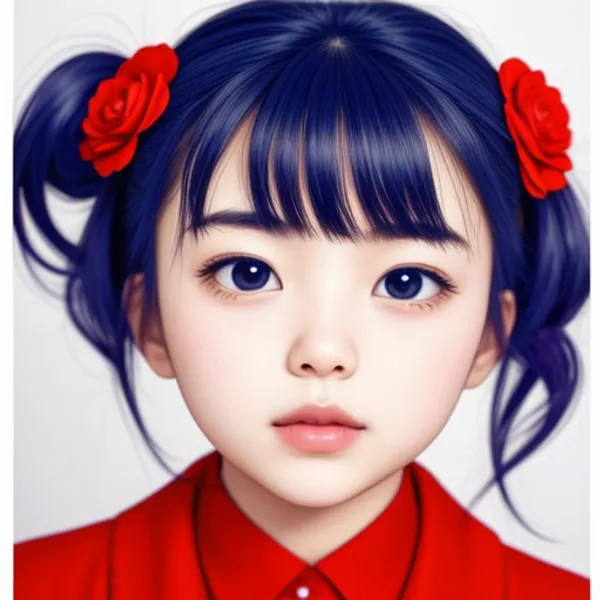
Generation Result
- prompt: (blank)
- model: flat2DAnimerge
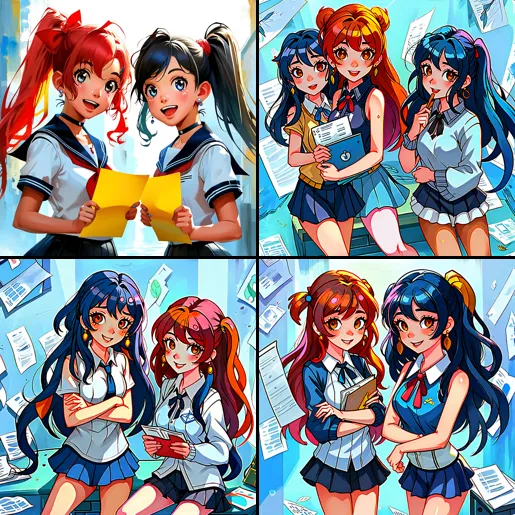
The original image is in the top-left.
Comparison
Here is a summary of the advantages and disadvantages of each method:
| Method | Advantages | Disadvantages |
|---|---|---|
| Method 1: Latent | No additional extensions needed, simple to use | Parameter adjustment needed, easy to fail |
| Method 2: ControlNet | Can reproduce composition almost faithfully | Inflexible (especially line art types), generation becomes slightly heavy, additional extensions needed |
| Method 3: IPAdapter | Roughly reproduces composition while allowing adjustment, adjustment can also be done with text prompts | Reproducibility of original image is mixed, additional extensions needed |
Conclusion
This time I generated separately to capture the characteristics of each method, but it seems possible to use them in combination. I think it would be good to choose based on the merits needed at the time.