
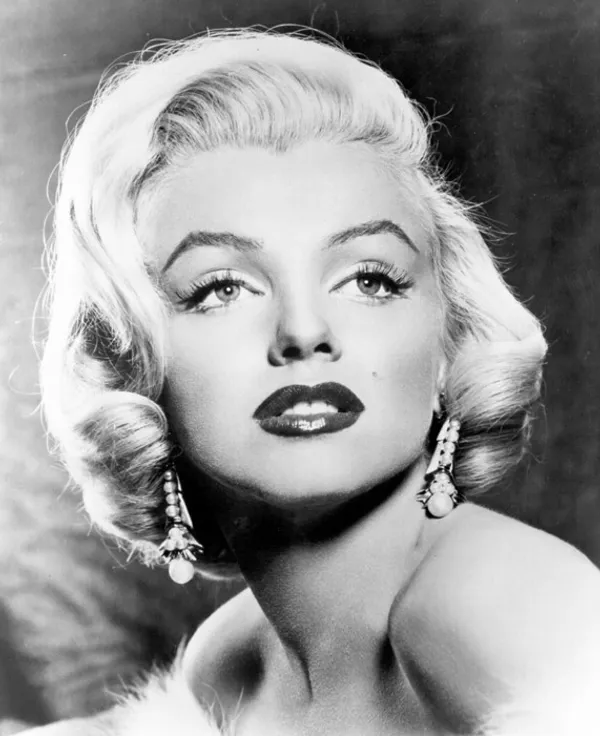
This is a collection of techniques you can use when generating images with Stable Diffusion. This article covers methods using ComfyUI.
How to Generate the Pictures You Want
LoRA
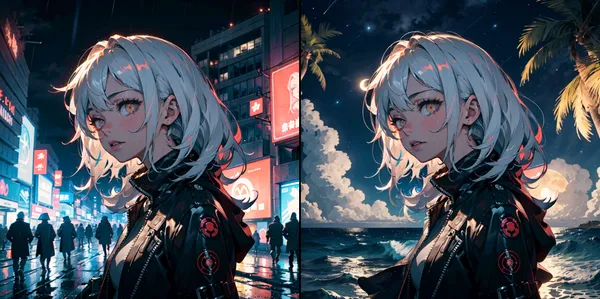
A method to extend the base model and add weights to tweak the output. For example, using a LoRA trained on night views makes it easier to generate night view images.

>-
ControlNet
A method to extend the base model so it can accept pose data as input. It makes it easier to generate images with the shape specified by the pose data.
>-
Textual Inversion (embedding)
A method to extend the Text Encoder part (the part that interprets prompts) and embed learned language vectors. Since it does not extend the model itself, it is relatively lightweight, but note that it cannot (or is difficult to) generate concepts that the model has not learned.
>-
IPAdapter
A method that allows images to be accepted as prompts simultaneously with text prompts.
>-
InstantID
A method that allows you to fix the face of the output image by inputting a face image.
>-
How to Upscale (High Resolution)
Hires.fix
A method of regenerating a low-resolution image at a high resolution using it as input. Since processing is done in the latent space, details are also added in the process.
>-
ESRGAN
Can increase resolution while maintaining the details of the image. Relatively lightweight.
>-
How to Edit Images
Inpaint
Edits only the specified part in the image.
>-
Outpaint
Draws new content outside the original image and extends the original image.
>-
Face Detailer
Corrects facial distortion etc. by redrawing only the face. Internally, it automatically detects the face and inpaints only the face part.
>-
Others
Stable Diffusion 3
>-
Flux.1
>-