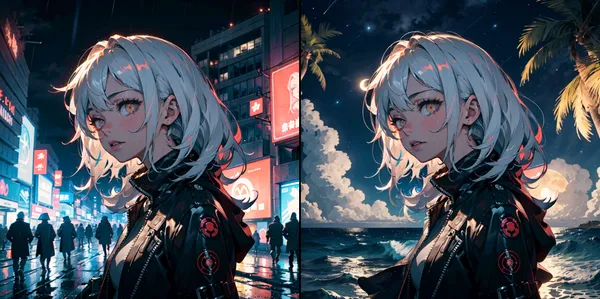
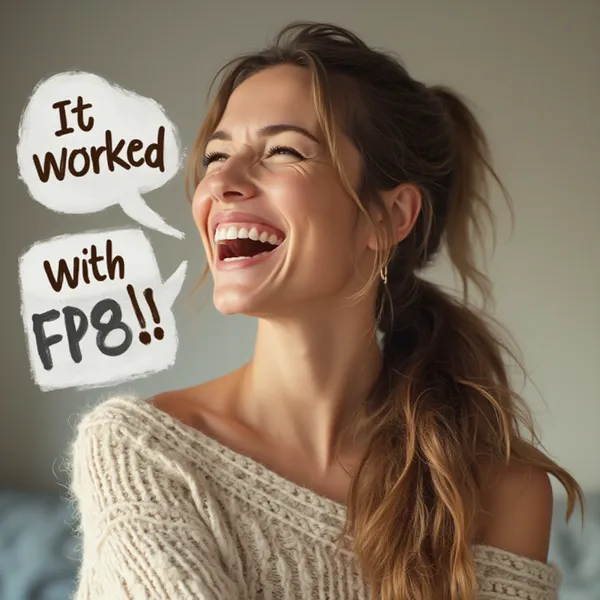
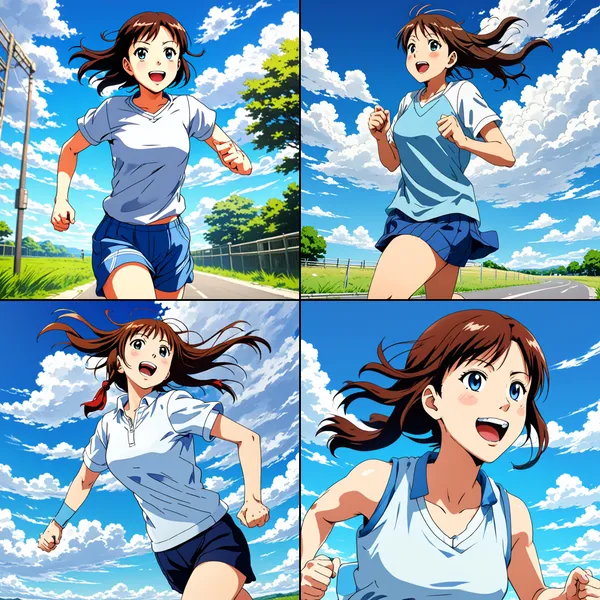

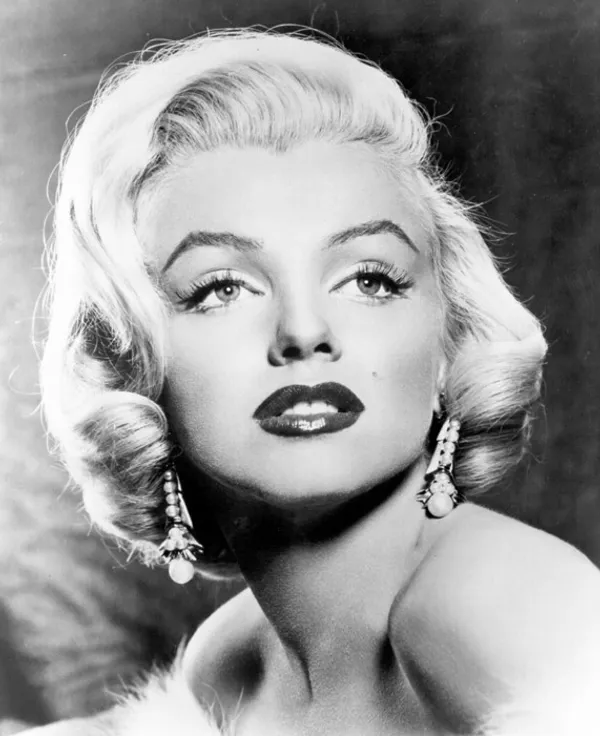
Today I will try to specify pose of appearing person using method called ControlNet. By adding person’s posture (feature points, segmentation, image etc.) as input in addition to prompt, it becomes possible to control appearing person’s posture. Please calculate following article for specific method.

>-
In this article, I will actually generate images using ControlNet with ComfyUI.
Work Flow
1. Installation of ComfyUI
Please refer to this article.
>-
2. Download ControlNet Model
Download from favorite place and place in ComfyUI/models/controlnet.
I brought from ↓.
We’re on a journey to advance and democratize artificial intelligence through open source and open science.

Looking at filenames, there assume unfamiliar strings like canny, openpose, lineart, these are names of preprocessors for ControlNet input image generation when learning. Since it gets long I won’t touch in article, but as input to controlnet, corresponding ones must be used.
3. Creation of Workflow
Create by myself from default workflow.
Load Defaultto return workflow to default- Create
Load ControlNet Model(diff),Load Image,Apply ControlNetnodes. - Connect like figure below (Yellow are added nodes)
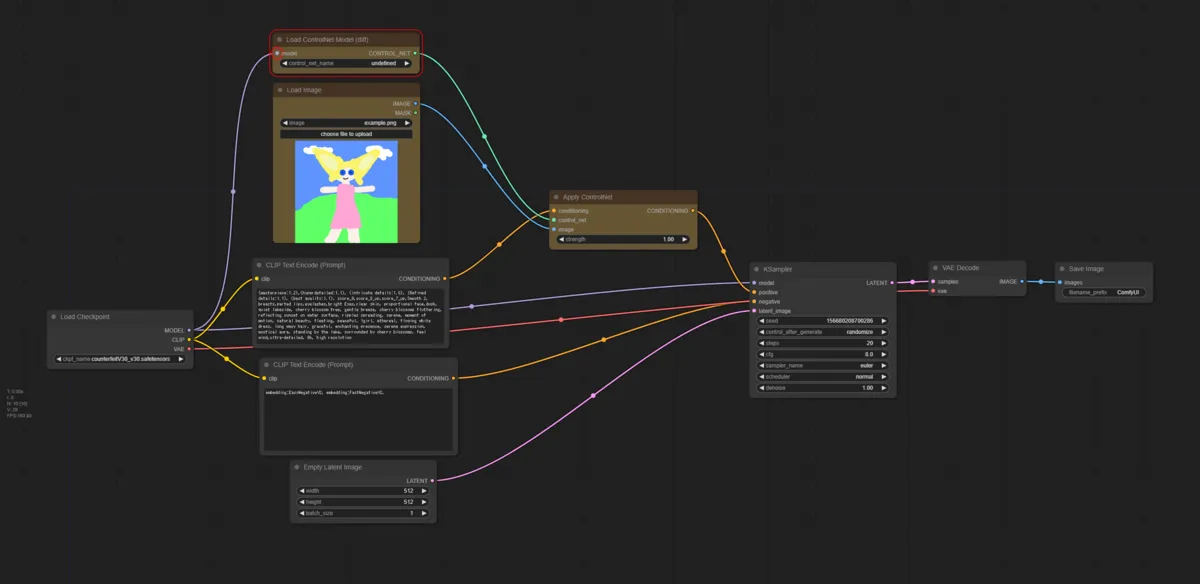
Added Load Image node represents input to ControlNet, include posture info here (openpose or lineart etc.)
4. Generate Image
- Select model downloaded earlier in
Load ControlNet Model(diff)node - Select image representing posture (one for preprocessor corresponding to model) in
Load Imagenode - Tweak other parameters as you like, press
Queue Prompt
Generation Result
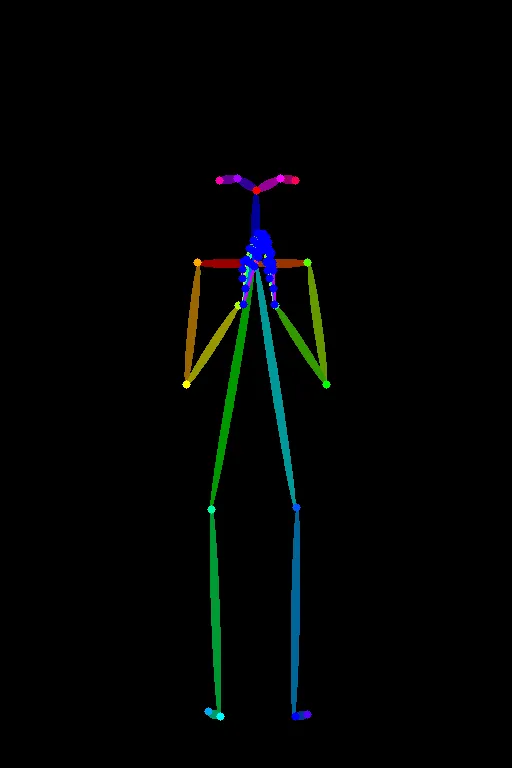

I think it is easy to understand if you compare generation result and used posture data, but you can see it is generated almost exactly as specified.
Conclusion
In this article, I introduced method to perform image generation with ComfyUI using ControlNet. Watching image being generated exactly as specified posture, weren’t you able to feel powerful control function of ControlNet? With this, higher degree of freedom image generation becomes possible.
If you want to try other techniques related to image generation, please utilize the link collection below.
>-