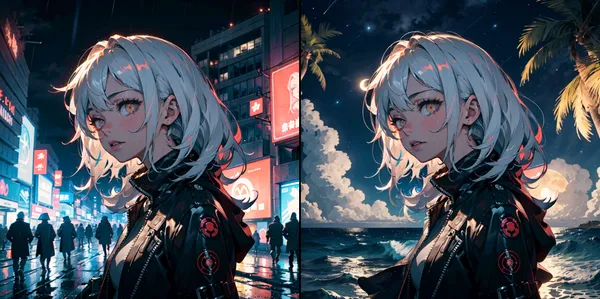
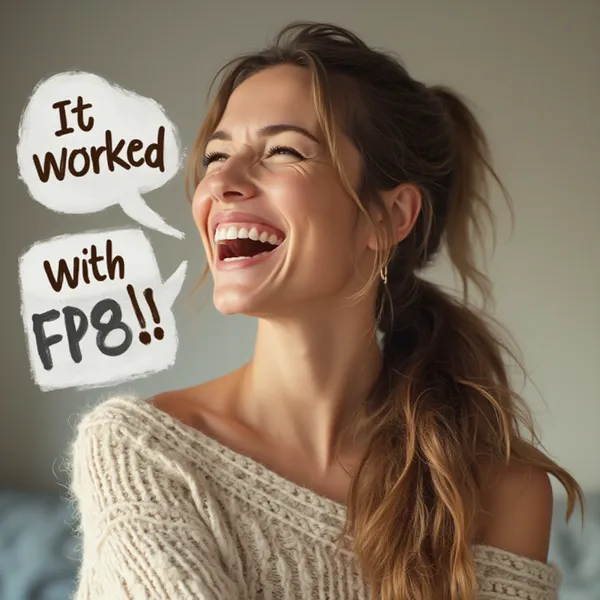
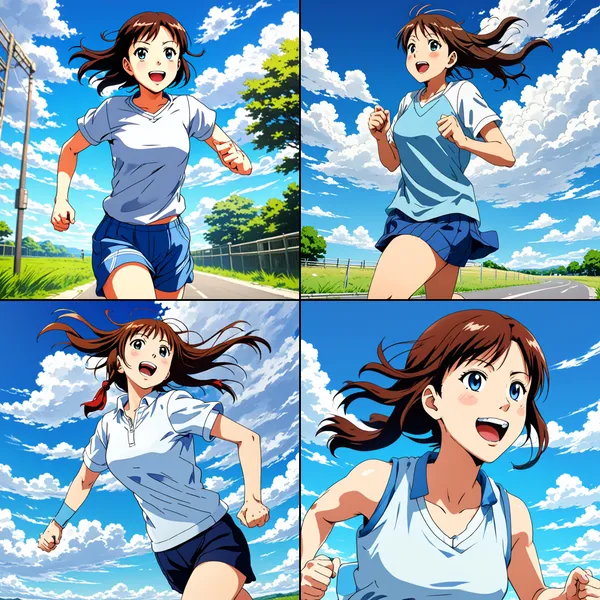

IPAdapter (Image Prompt Adapter) of Stable Diffusion is a technology further enhancing Stable Diffusion which is image generation model. This technology enables input of image prompt in addition to text prompt, allowing more accurate control of style and content of generated image. With this technology, user can generate images having specific art style, composition, colors etc. for example, which is very useful in creative work.
Please refer to article below for explanation of specific method.
This time I will introduce method to actually use IPAdapter using ComfyUI. Furthermore, through generation results, I will verify its effect.
Work Flow
1. Introduction of ComfyUI
Please refer to this article.

>-
2. Introduction of Custom Node
Introduce ComfyU_IPAdapter_plus. Either from ComfyUI-Manager or method using git clone is fine.

Contribute to cubiq/ComfyUI_IPAdapter_plus development by creating an account on GitHub.

3. Download model of IPAdapter
Download ones to use from below and place in /ComfyUI/models/ipadapter.
Note: Create ipadapter folder if not exists
Copy-paste list from repository below
- ip-adapter_sd15.safetensors, Basic model, average strength
- ip-adapter_sd15_light_v11.bin, Light impact model
- ip-adapter-plus_sd15.safetensors, Plus model, very strong
- ip-adapter-plus-face_sd15.safetensors, Face model, portraits
- ip-adapter-full-face_sd15.safetensors, Stronger face model, not necessarily better
- ip-adapter_sd15_vit-G.safetensors, Base model, requires bigG clip vision encoder
- ip-adapter_sdxl_vit-h.safetensors, SDXL model
- ip-adapter-plus_sdxl_vit-h.safetensors, SDXL plus model
- ip-adapter-plus-face_sdxl_vit-h.safetensors, SDXL face model
- ip-adapter_sdxl.safetensors, vit-G SDXL model, requires bigG clip vision encoder
Download below and place in /ComfyUI/models/clip_vision. Please change filename matching name of ↓. (If you forget, it won’t work with error)
- CLIP-ViT-H-14-laion2B-s32B-b79K.safetensors, download and rename
- CLIP-ViT-bigG-14-laion2B-39B-b160k.safetensors, download and rename
4. Create Workflow
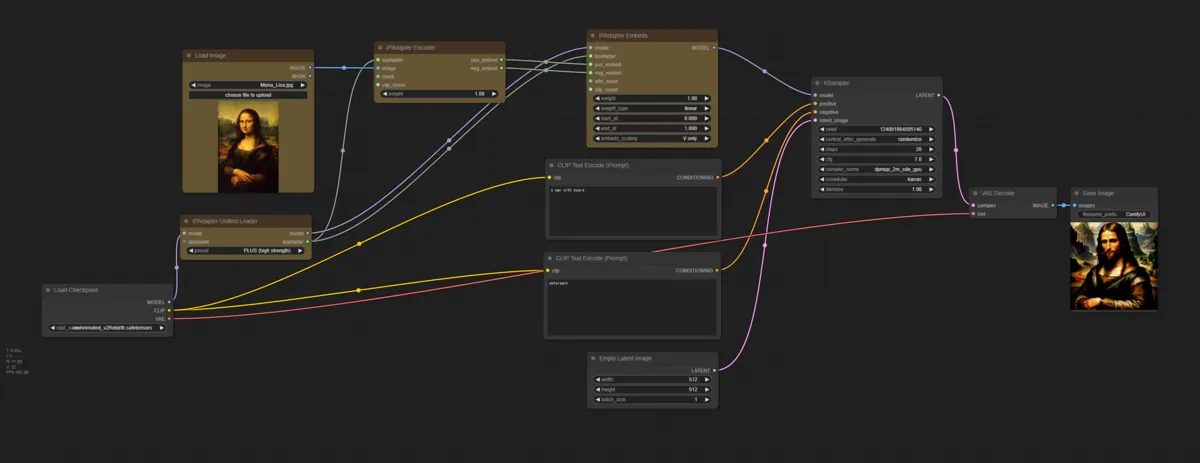
Minimum configuration becomes like this. Yellow is node added from default workflow.
Generation Result 1
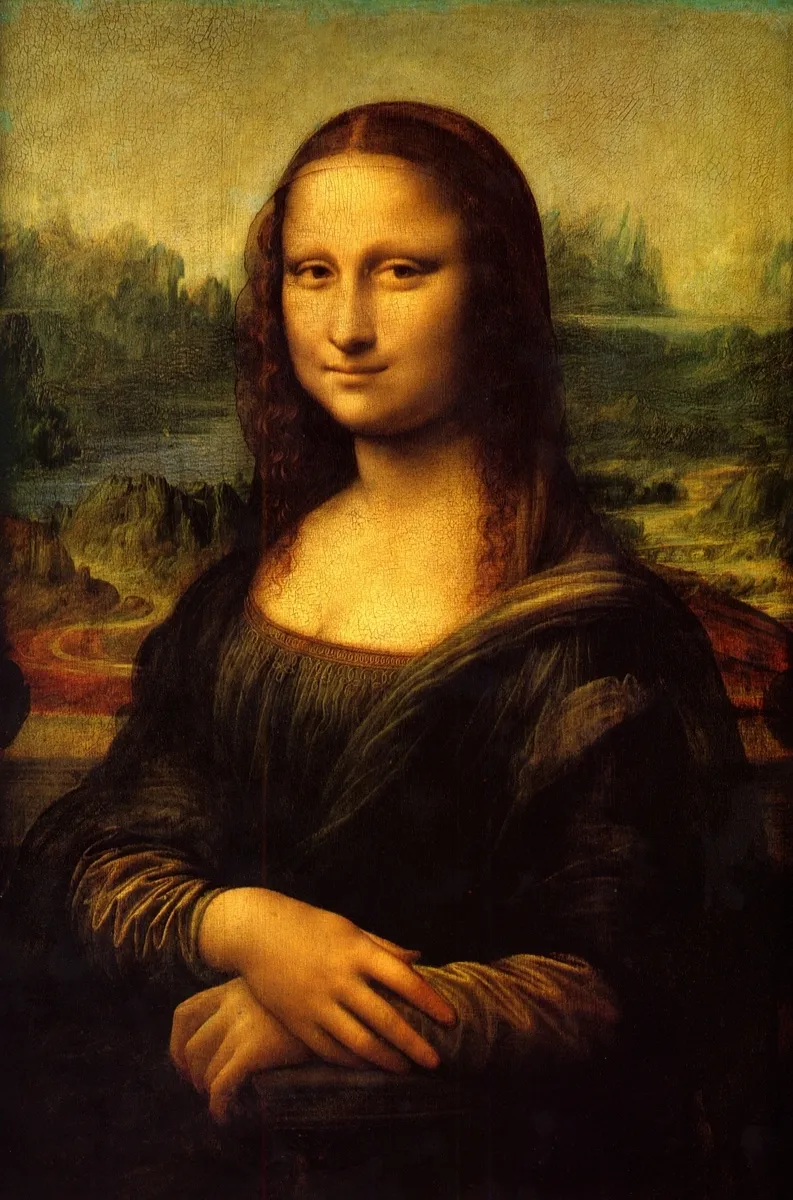
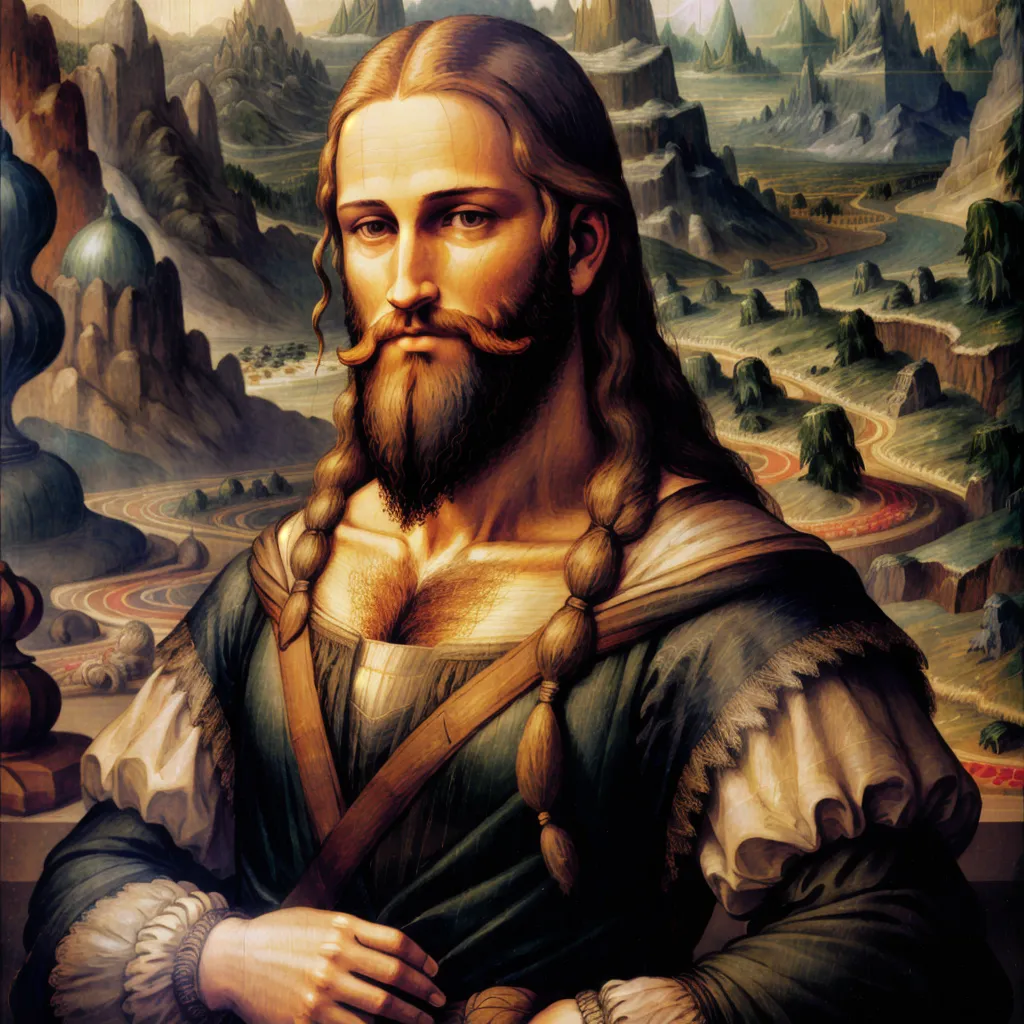
Put image of Mona Lisa, and try replacing only person with bearded man.
Prompt
a man with beard
Input Image
Generated Image
Generation Result 2 (Face Only Specification)
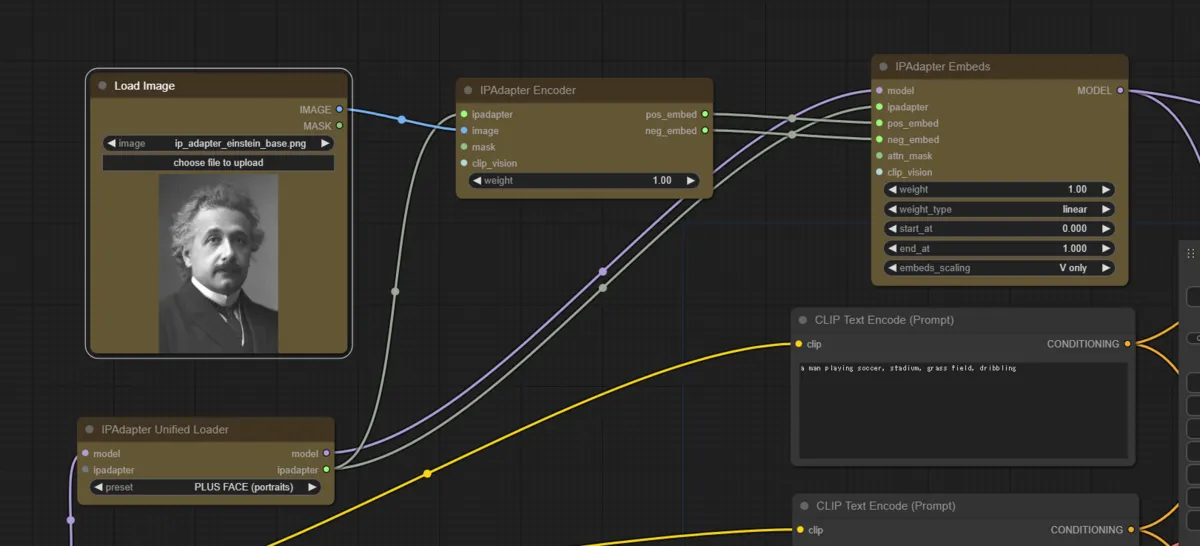
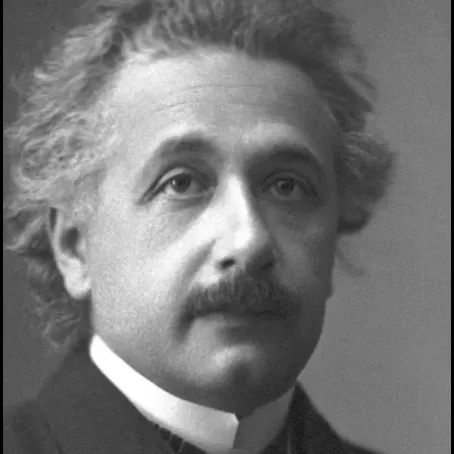
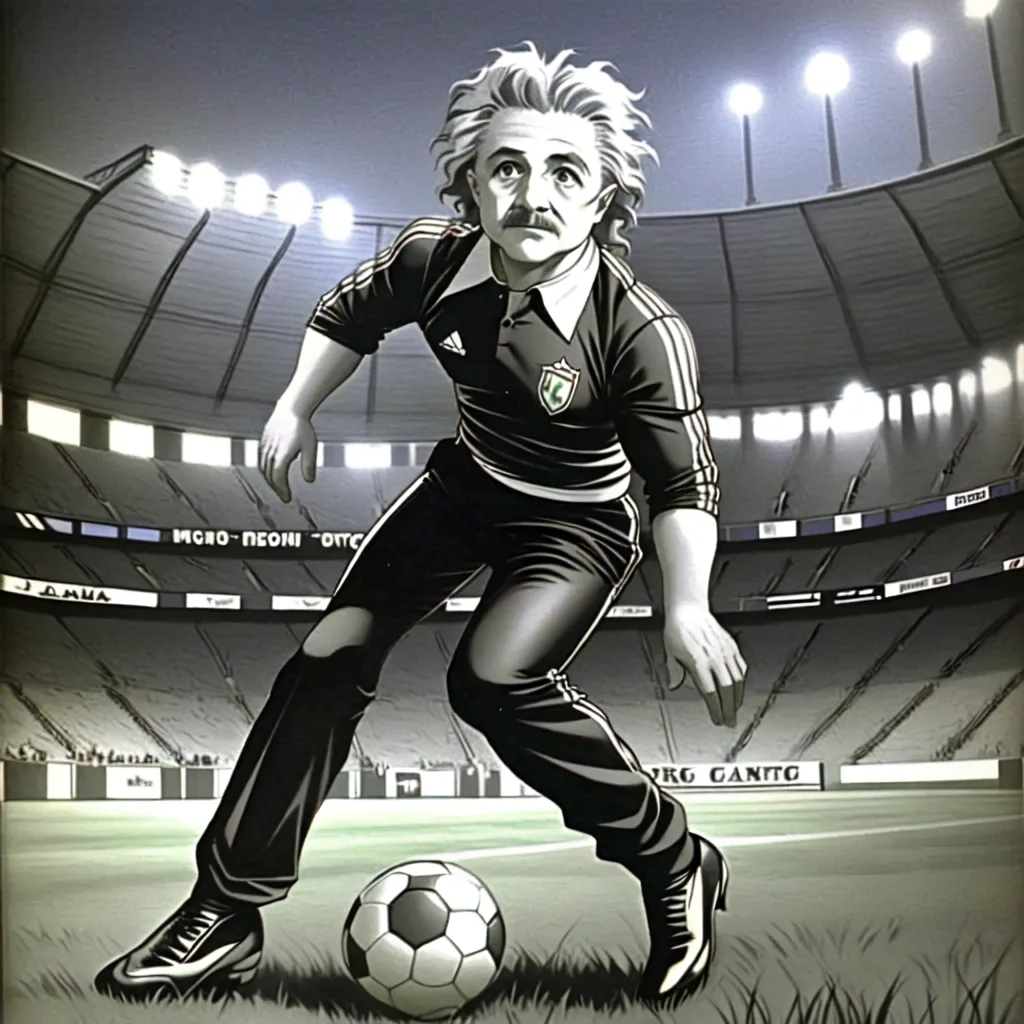
If using Face Model, you can generate with specified face. Please use image of face only when using this function.
Prompt
a man playing soccer, stadium, grass field, dribbling
Conclusion
In this article, I verified basic usages of IPAdapter (Image Prompt Adapter) of Stable Diffusion and its effect. By using IPAdapter, combining image prompt in addition to text prompt enables more intuitive and detailed image generation. Especially when generating images having specific art style, composition, colors etc., this technology is very useful. Please try it.
If you want to try other techniques related to image generation, please utilize the link collection below.
>-