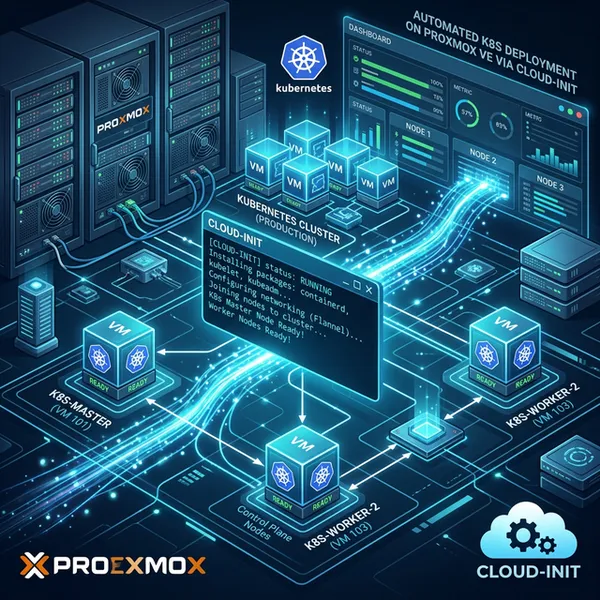
In the previous article, I set up just the master node for the time being, but this time is the continuation. I will add a worker node and finally grow it into something that actually qualifies as a “cluster.”
Previous article ↓

>-
Execution Environment
Both the master node and worker node are built with the following specs.
- OS: Ubuntu Server 24.04.2
- CPU: Intel N150 (Cores assigned to VM = 2)
- RAM: 8GB
- Disk: 256GB
Procedure
The master node is assumed to be already set up following the steps in the previous article.
Setup Worker Node
Install kubeadm on the worker node using the same steps as the article below. You only need to get as far as installing kubeadm, kubelet, and kubectl.
>-
JOIN the Worker Node to the Cluster
Generate a join command on the master node side.
# Run on the master nodekubeadm token create --print-join-commandTake the command output by the above and run it on the worker node side.
# Run on the worker nodesudo kubeadm join xyz.xyz.xyz.xyz:6443 --token {token} --discovery-token-ca-cert-hash {hash}Verify the Node
Once the JOIN command finishes successfully, return to the master node and run the following command. If the node has been added and its STATUS shows READY, you’re done.
kubectl get nodes
# You should see output like this:# NAME      STATUS   ROLES           AGE     VERSION# test-01   Ready    control-plane   123m    v1.33.0# test-02   Ready    <none>          2m53s   v1.33.0
Assign a ROLE Label While We’re at It
# Assign the worker label to the worker nodekubectl label nodes test-02 node-role.kubernetes.io/worker=
# Confirmkubectl get nodes --show-labels
# Success if "worker" appears in ROLES# NAME      STATUS   ROLES    AGE   VERSION   LABELS# test-02   Ready    worker   23h   v1.33.0   beta.kubernetes.io/arch=amd64,...
Conclusion
So, the Kubernetes cluster is (successfully?) complete. kubeadm’s JOIN was surprisingly simple, and I was genuinely surprised at how smoothly the node got added — much easier than I expected.
It’s still far from any kind of production use, but being able to confirm that “I can actually build a k8s cluster on my local Proxmox setup” was a real win. And honestly, the excitement of putting it together was the best part.
Next, I’m thinking of deploying some Pods, poking at Cilium’s behavior, or starting to look at storage. So this story might continue loosely in a future article.