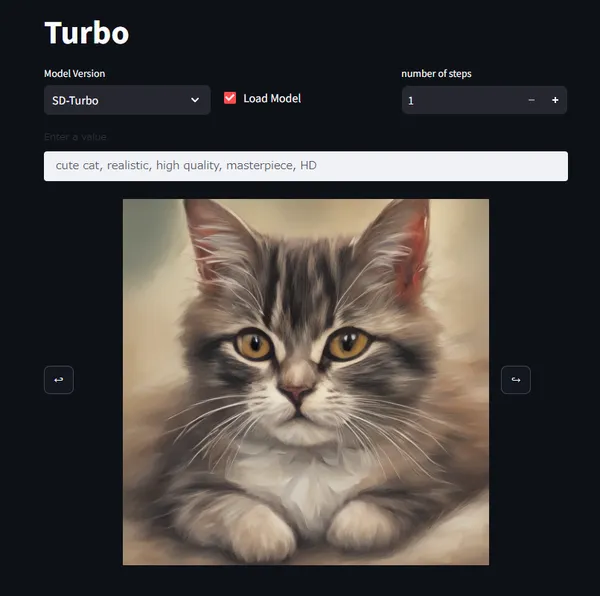
I looked for a tool that can easily use Stable Diffusion with emphasis on usability.
Execution Method
This time, while thanking the predecessor who made it easy to execute, I will use the repository below.

Easy Docker setup for Stable Diffusion with user-friendly UI - AbdBarho/stable-diffusion-webui-docker

Prerequisites
- git
- Docker
- NVIDIA GPU (Faster if available)
Work Content
Hit the command below. After app container startup is complete (took dozens of minutes), access http://localhost:7860 from browser. For parameter changes etc., refer to Setup, Usage.
ShellScript
# Create and move to working directorymkdir workspacecd workspace# clone to working directorygit clone https://github.com/AbdBarho/stable-diffusion-webui-docker.git .# download (wait until download finishes)docker compose --profile download up --build# Launch App (Execute one of below)docker compose --profile auto up --builddocker compose --profile auto_cpu up --build # If executing with CPUDone! (stable-diffusion-webui)
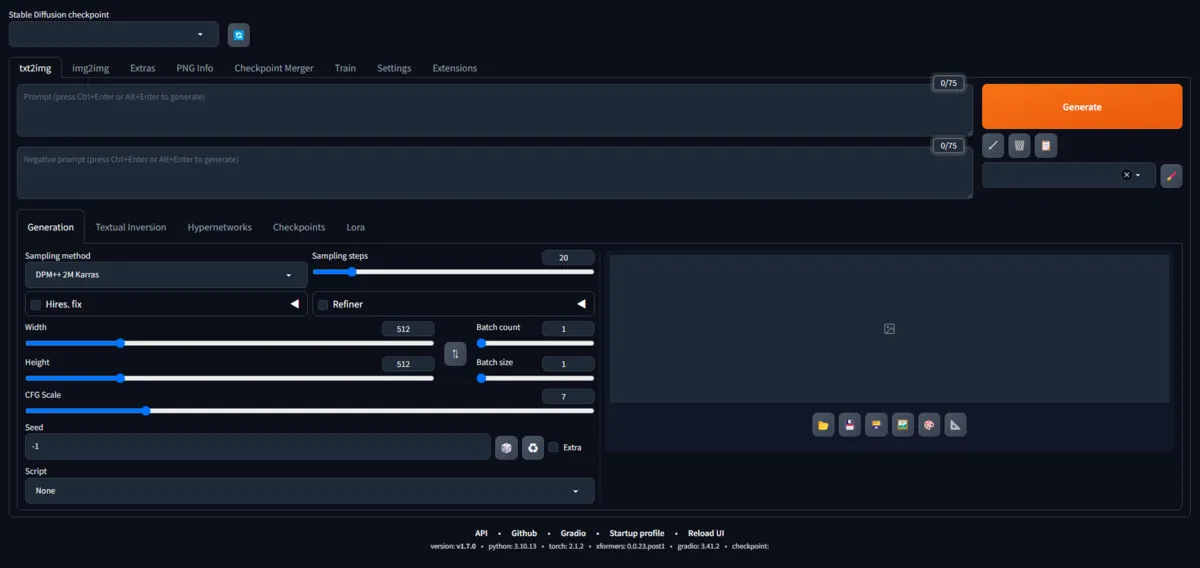
Now just enter prompt and press generate.

Bonus
Since tuned models are rolling around in large quantities on the net, using them makes it easier to generate images matching themes.
For example, sites like below have massive amounts of models, so exploring for your favorite model might be fun.

Explore thousands of free Stable Diffusion & Flux models, create and share AI-generated art, and join the world's largest community of generative AI creators.
Finally, I leave examples using same prompt as AI Generated Image 1 but with different models.
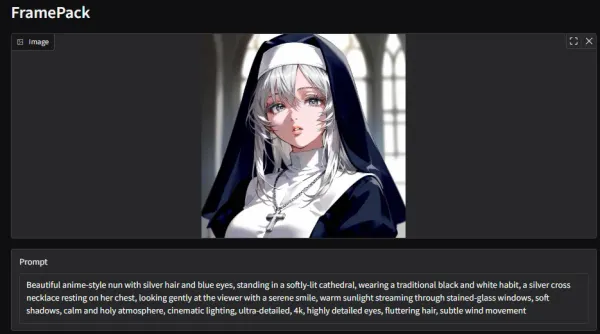
In case of Anime-style Model

AI Generated Image 2
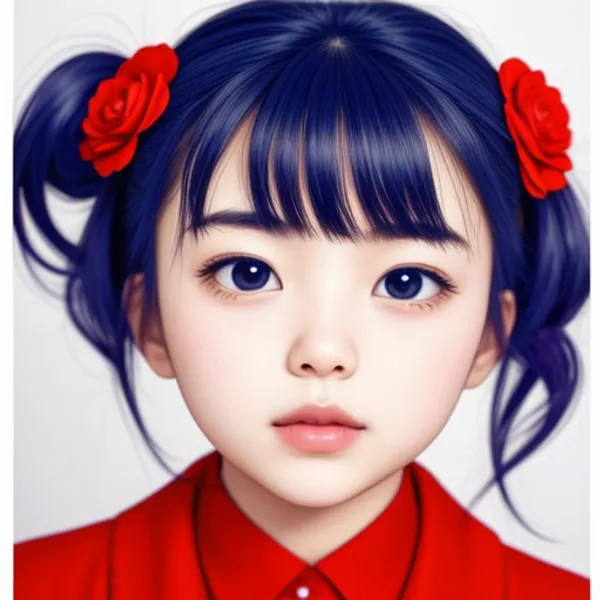
In case of Realistic Model
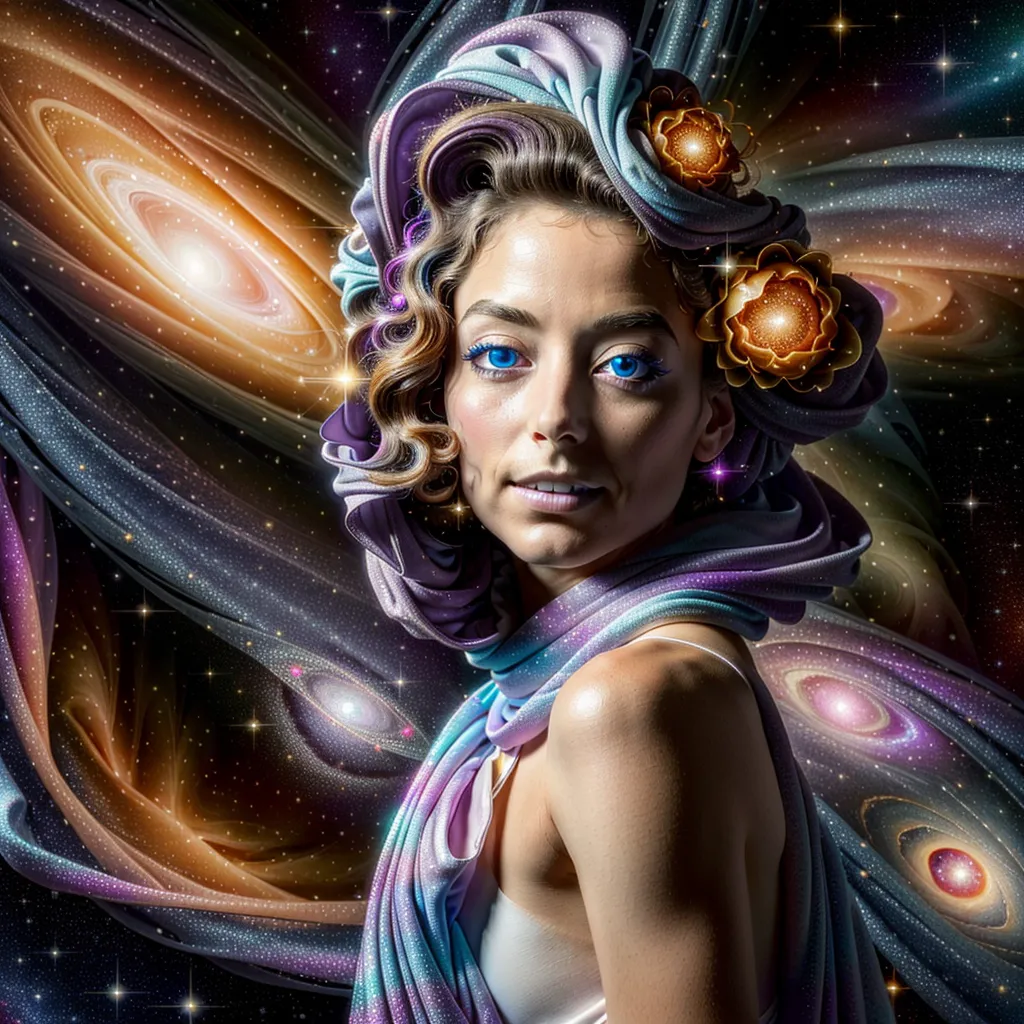
AI Generated Image 3