When generating video with AI, the bottlenecks are usually model size and generation time. “FramePack” is a method aimed at lightweighting video generation, and one of its selling points seems to be the ability to generate specific 30fps videos even on a PC with 6GB VRAM.
Scanning the paper, it seems the method involves compressing past frames input as information based on importance (almost ignoring old ones) to reduce the memory size for past frames. In other words, the context size input to the transformer is kept under a certain limit, so VRAM maxes out at around 6GB.

We present a neural network structure, FramePack, to train next-frame (or next-frame-section) prediction models for video generation. FramePack compresses input frame contexts with frame-wise importance so that more frames can be encoded within a fixed context length, with more important frames having longer contexts. The frame importance can be measured using time proximity, feature similarity, or hybrid metrics. The packing method allows for inference with thousands of frames and training with relatively large batch sizes. We also present drift prevention methods to address observation bias (error accumulation), including early-established endpoints, adjusted sampling orders, and discrete history representation. Ablation studies validate the effectiveness of the anti-drifting methods in both single-directional video streaming and bi-directional video generation. Finally, we show that existing video diffusion models can be finetuned with FramePack, and analyze the differences between different packing schedules.

In this article, I will try the paper’s official demo. I’m including the execution steps, so if you want to try it, please follow the instructions.
Requirements
- NVIDIA GPU RTX 30XX or later (fp16, bf16 support required)
- They say they haven’t verified operation on pre-2000 series.
- Linux or Windows
- At least 6GB VRAM
Execution Environment
- CPU: Intel Core i5-12400
- GPU: RTX3050 (VRAM: 8GB)
- RAM: 16GB
- OS: Windows 11 (WSL2: Ubuntu 24.04)
How to Run (Linux)
Basically, I’m just chewing through the contents of the repository below, so if you can read English quickly, checking the repository side might be error-free and better.
Lets make video diffusion practical! Contribute to lllyasviel/FramePack development by creating an account on GitHub.

Installing CUDA
Since I had already installed it, I apologize, but I won’t touch on it here (honestly, I don’t remember how I installed it). You can check with the following commands, so if you get a “command not found” message, look it up and install it.
nvidia-smi # Check if GPU is recognizednvcc -V # Check cuda versionClone the Repository
# Create arbitrary workspace and move to itmkdir ~/workspacecd ~/workspace# Clone to current repositorygit clone https://github.com/lllyasviel/FramePack.git .Install Dependencies
Install python3.10 and dependent libraries by any method. I used pyenv, but apt handles it too.
# Install pythonpyenv install 3.10pyenv local 3.10
# Create virtual environment (skip if global is fine)python -m venv venvsource venv/bin/activate
# Install python packagespip install torch torchvision torchaudio --index-url https://download.pytorch.org/whl/cu126pip install -r requirements.txt
Run Demo
Downloading models takes quite a while, so let’s wait patiently.
python demo_gradio.pyAccess Demo App
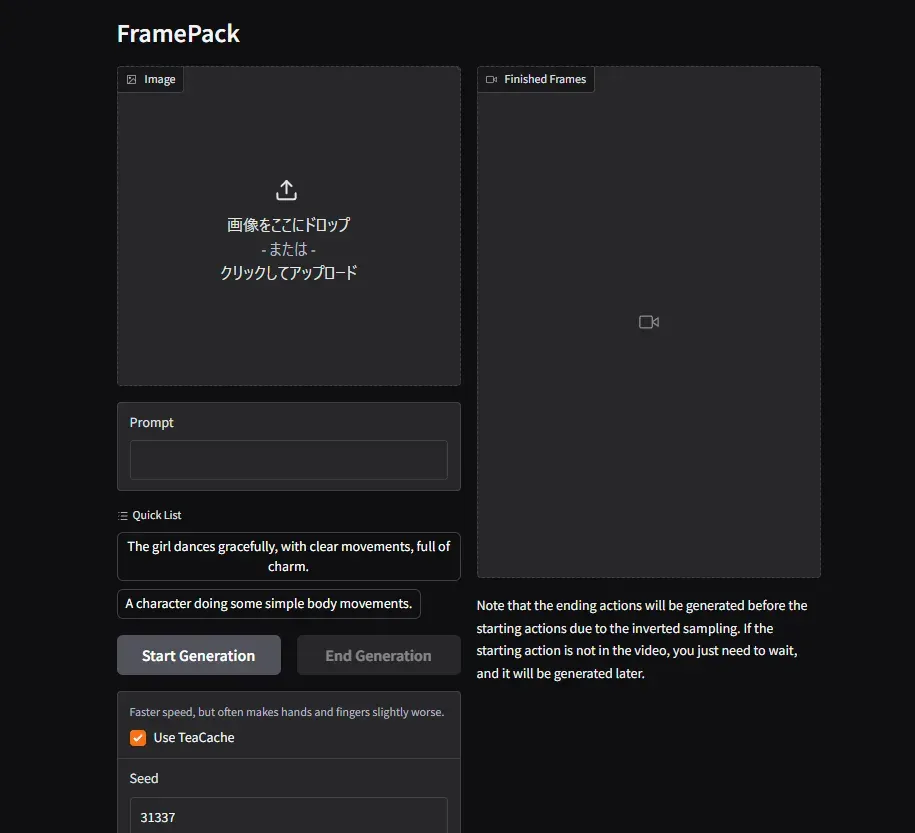
When the demo startup is complete, it will verify as follows, so access it via browser.
* Running on local URL: http://0.0.0.0:7860It appeared!!!
Generation Results
I’m generating with all default settings. Generating 1 second of frames takes about 10 minutes.
Result 1
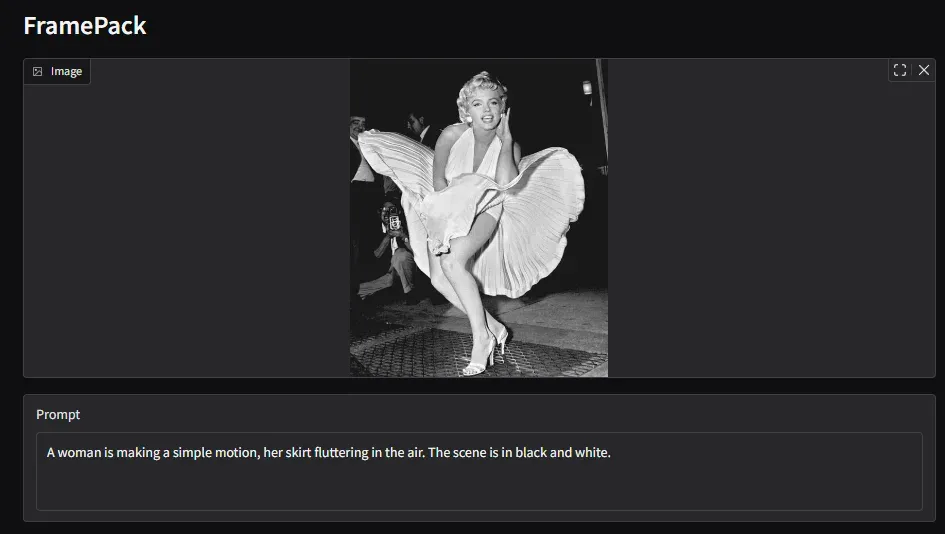
Ah, maybe the initial pose was too irregular… also, it couldn’t quite express the pleats.
Result 2

Result 1 was sad, so revenge with another image. I got lazy checking portrait rights, so I used an image I generated before.
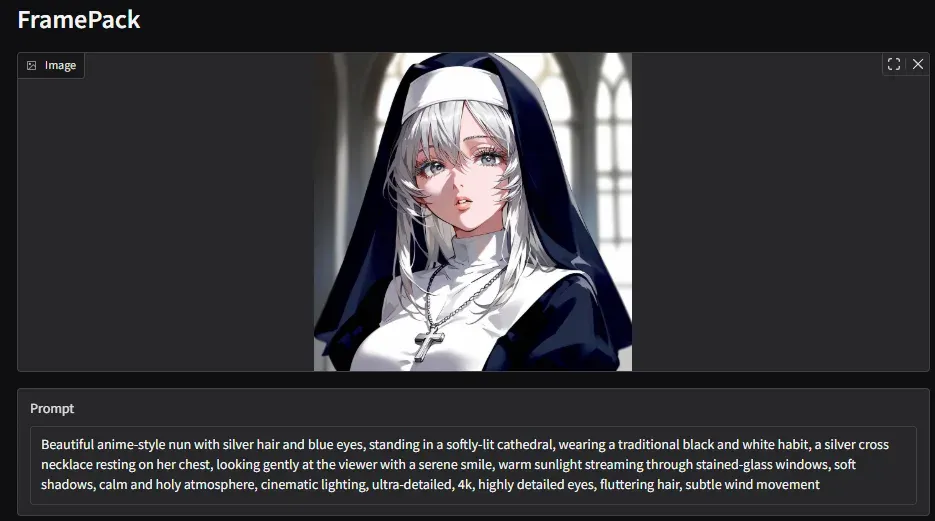
This time the movement is smaller.
Conclusion
Although it takes time, I could generate normally even with 8GB VRAM. Since the generation time probably scales linearly with increased frames, I think it might be surprisingly useful when you want to generate longer videos on low specs.
Well, getting distorted results when unlucky is the fate of generative AI… Structurally, even if reduced, errors likely won’t disappear completely.
If you get stuck on installation or have any questions, feel free to comment.