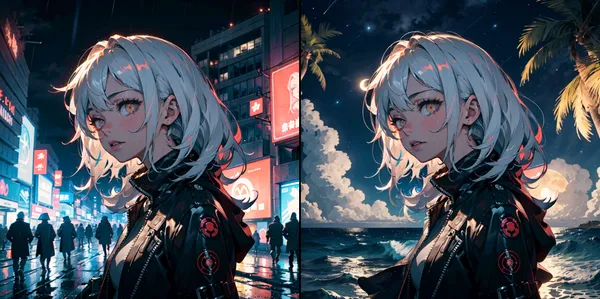

I will try high-speed video generation AI. Since AnimateDiff is a slight extension of image generation models, it is a method easier to run even on lower specs than models made for video generation like Stable Video Diffusion or Sora. And its successor AnimateDiff-Lightning can generate in 1/10th step count, so simply calculated it can be said to be 10 times faster.
What is AnimateDiff-Lightning?
What is AnimateDiff
I summarized it here so please read it.

>-
What is AnimateDiff-Lightning
We’re on a journey to advance and democratize artificial intelligence through open source and open science.


We propose a diffusion distillation method that achieves new state-of-the-art in one-step/few-step 1024px text-to-image generation based on SDXL. Our method combines progressive and adversarial distillation to achieve a balance between quality and mode coverage. In this paper, we discuss the theoretical analysis, discriminator design, model formulation, and training techniques. We open-source our distilled SDXL-Lightning models both as LoRA and full UNet weights.

- Lightning series models are based on a paper published by ByteDance in February 2024
- Speed up with distillation method combining Adversarial Distillation and Progressive Distillation
- Train so that student model can infer in 1 step what teacher model inferred in multiple steps
- Perform basic training using MSE loss first, then improve image quality by adding adversarial loss
Since models seem essentially unchanged, required specs seem unchanged.
Actually Try on ComfyUI
Installation of comfyUI
Please refer to the following article for installation methods
>-
Preparation Steps
- Load workflow to comfyUI
- Install necessary modules to comfyUI (Via ComfyUI-Manager also OK)
-
GitHub - Kosinkadink/ComfyUI-AnimateDiff-Evolved: Improved AnimateDiff for ComfyUI and Advanced Sampling Support
Improved AnimateDiff for ComfyUI and Advanced Sampling Support - Kosinkadink/ComfyUI-AnimateDiff-Evolved
github.com -
GitHub - Kosinkadink/ComfyUI-VideoHelperSuite: Nodes related to video workflows
Nodes related to video workflows. Contribute to Kosinkadink/ComfyUI-VideoHelperSuite development by creating an account on GitHub.
github.com
-
- Place checkpoint you want to use in
/models/checkpoints/ - Place AnimateDiff-Lightning checkpoint in
/custom_nodes/ComfyUI-AnimateDiff-Evolved/models/


1. Load workflow to comfyUI
Workflow: animatediff_lightning_workflow.json
2. Install necessary modules to comfyUI
Using ComfyUI-Manager to install is easiest (git clone each into custom_nodes directory is also fine)
-
GitHub - Kosinkadink/ComfyUI-AnimateDiff-Evolved: Improved AnimateDiff for ComfyUI and Advanced Sampling Support
Improved AnimateDiff for ComfyUI and Advanced Sampling Support - Kosinkadink/ComfyUI-AnimateDiff-Evolved
github.com -
GitHub - Kosinkadink/ComfyUI-VideoHelperSuite: Nodes related to video workflows
Nodes related to video workflows. Contribute to Kosinkadink/ComfyUI-VideoHelperSuite development by creating an account on GitHub.
github.com
Since I got error with git clone method, I installed ComfyUI-Manager then installed via Manager.
3. Place checkpoint you want to use in /models/checkpoints/
Officially recommended models are ↓.
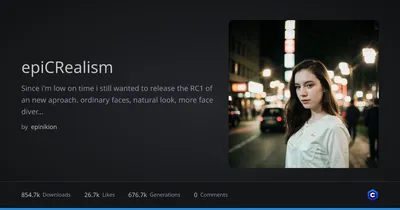
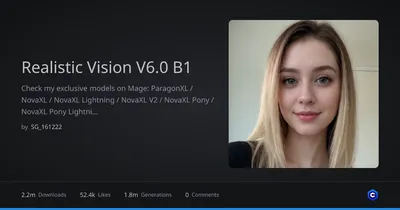
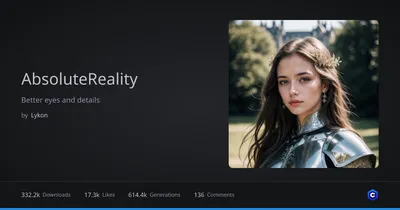
- Realistic
-
epiCRealism - Natural Sin RC1 VAE | Stable Diffusion 1.x Checkpoint | Civitai
Natural Sin Final and last of epiCRealism Since SDXL is right around the corner , let's say it is the final version for now since I put a lot effor...
civitai.com -
Realistic Vision V6.0 B1 - V5.1 Hyper (VAE) | Stable Diffusion 1.x Checkpoint | Civitai
Check my exclusive models on Mage: ParagonXL / NovaXL / NovaXL Lightning / NovaXL V2 / NovaXL Pony / NovaXL Pony Lightning / RealDreamXL / RealDrea...
civitai.com -
DreamShaper - 8 | Stable Diffusion 1.x Checkpoint | Civitai
DreamShaper - V∞! Please check out my other base models , including SDXL ones! Check the version description below (bottom right) for more info and...
civitai.com -
AbsoluteReality - v1.8.1 | Stable Diffusion 1.x Checkpoint | Civitai
AbsoluteReality That feeling after you wake up from a dream Add a ❤️ to receive future updates. This took much time and effort, please be supportive...
civitai.com -
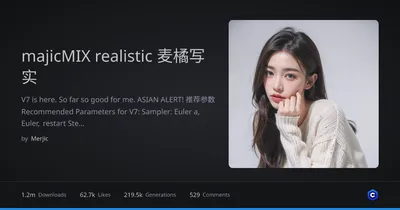
majicMIX realistic 麦橘写实 - v7 | Stable Diffusion 1.x Checkpoint | Civitai
V7 is here. So far so good for me. ASIAN ALERT! 推荐参数 Recommended Parameters for V7: Sampler: Euler a, Euler, restart Steps: 20~40 Hires upscaler: E...
civitai.com
-
- Anime & Cartoon
-
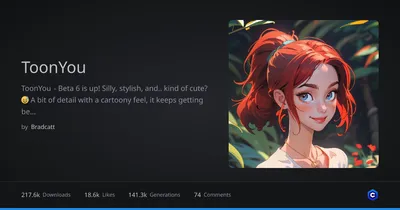
ToonYou - Beta 6 🌟 | Stable Diffusion 1.x Checkpoint | Civitai
ToonYou - Beta 6 is up! Silly, stylish, and.. kind of cute? 😅 A bit of detail with a cartoony feel, it keeps getting better! With your support, Too...
civitai.com -
IMP - v1.0 | Stable Diffusion 1.x Checkpoint | Civitai
Hello Guys, I hope you like the model. Subscribe to my Channel, https://www.youtube.com/@world-ai => I will be very grateful ♥. If you want too ...
civitai.com -
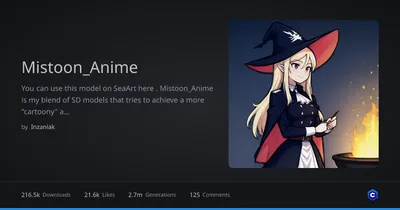
Mistoon_Anime - v1.0 noobai | Illustrious Checkpoint | Civitai
You can use this model on SeaArt here . Mistoon_Anime is my blend of SD models that tries to achieve a more "cartoony" anime style with thick borde...
civitai.com -
DynaVision - DynaVisionV2.0 (BakedVae) | Stable Diffusion 1.x Checkpoint | Civitai
This is DynaVision , a new merge based off a private model mix I've been using for the past few months. The output is kind of like stylized rendere...
civitai.com -
RCNZ Cartoon 3d - v2.0 | Stable Diffusion 1.x Checkpoint | Civitai
Got a potato for a PC?? Try this model for free on Happy Accidents -------------------------- Took the awesome merge Disney Pixar Cartoon Type A , ...
civitai.com -
majicMIX reverie 麦橘梦幻 - v1.0 | Stable Diffusion 1.x Checkpoint | Civitai
A 2.5D model I merged based on majicMIX_lux . It has a similar approach as majicMIX_fantasy but is not directly related, so I named it "reverie". Y...
civitai.com
-

4. Place checkpoint for AnimateDiff-Lightning
We’re on a journey to advance and democratize artificial intelligence through open source and open science.
Execute
If you press QueuePrompt and wait a little, video is output to video combine at bottom right. It depends on parameters and PC specs, but in my case it output in less than 10 seconds with default settings.
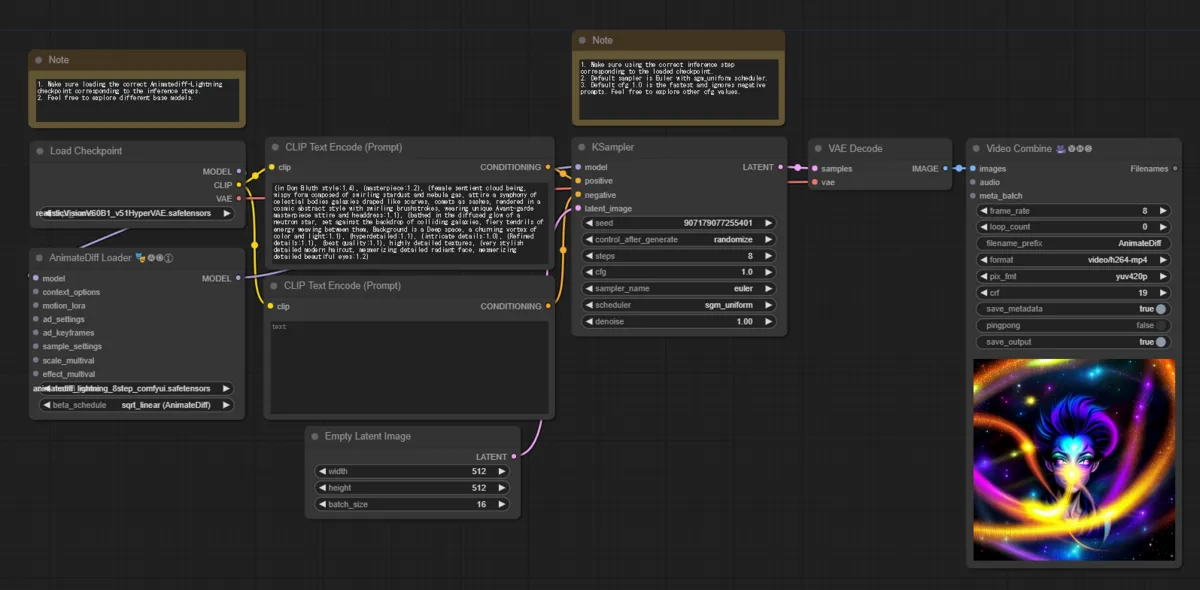
Result is here

Since I haven’t tuned parameters it’s blurry, but somehow managed to generate something plausible. (Or rather considering this is 4 steps, it’s quite amazing accuracy compared to AnimateDiff…)
End
I’m satisfied being able to run it so I’ll stop here.
If you want to try other methods related to video generation, please utilize the link collection below.
>-